Start Here
Login మరియు Setup
Platform ఎలా open చేయాలి, login ఎలా చేయాలి, preview mode అంటే ఏమిటి, live trading కోసం ఎలా ready అవ్వాలి.
Login ముందు
#Login ముందు మీరు Trading Tools page open చేసి available apps preview చేయవచ్చు.
Strategies save చేయడానికి, broker connect చేయడానికి, orders place చేయడానికి, లేదా live settings మార్చడానికి active account మరియు subscription అవసరం.
- Registered email మరియు password ready గా ఉంచండి.
- అన్ని web apps కోసం same Login ఉపయోగించండి.
- Password లేదా broker credentials ఎవరితోనూ share చేయకండి.
Trading Tools open చేయండి
#Trading Tools page లో అన్ని client apps ఒకే చోట కనిపిస్తాయి.
Discretionary Trading Tools చేత్తో వేగంగా trade చేయడానికి. Strategy Automation Tools rule-based లేదా scheduled algo workflows కోసం. Investing Tools లో stocks basket rebalance అవుతుంది.
- Trade Bridge external signals ను trading strategies గా convert చేస్తుంది.
- Trade Bots time-based straddle మరియు strangle strategies automate చేస్తుంది.
- Trade Scalper fast discretionary intraday trading కోసం.
Login ఎలా చేయాలి?
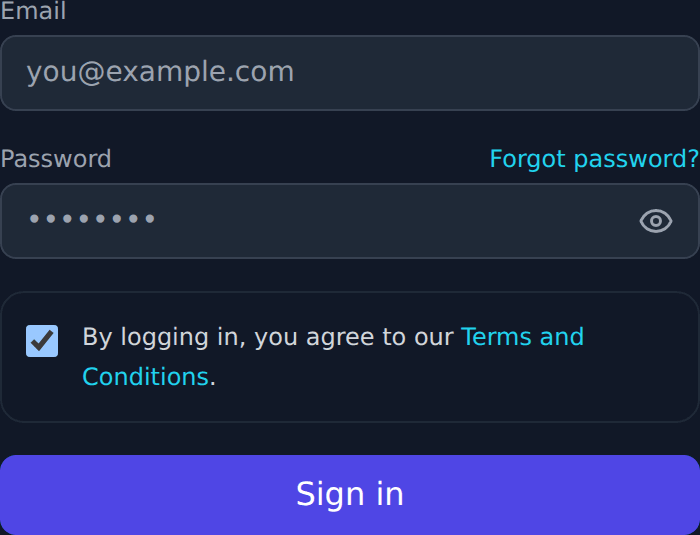
#Login పై click చేసి registered email మరియు password enter చేసి form submit చేయండి.
Successful login తర్వాత same session Trade Bridge, Trade Bots, Trade Builder, మరియు Trade Scalper లో పనిచేస్తుంది.
- Registered email address ఉపయోగించండి.
- Password case-sensitive.
- 2FA enabled ఉంటే password login తర్వాత authenticator code enter చేయండి.
Login తర్వాత
#Login తర్వాత Trading Tools నుండి మీరు use చేయాలనుకున్న app open చేయండి.
Subscription active ఉంటే broker connection మరియు live actions continue చేయవచ్చు. Subscription active కాకపోతే app ముందుగా subscription message చూపిస్తుంది.
Password reset
#Login అవ్వకపోతే Login page లో Forgot Password ఉపయోగించండి.
Reset link registered email కి వస్తుంది. ఆ link open చేసి కొత్త password create చేయండి.
- Password లో uppercase, lowercase, number, మరియు special character ఉండాలి.
- Password reset email forward చేయకండి.
- Email కనిపించకపోతే spam లేదా promotions folder check చేయండి.
Two-factor authentication
#2FA password తర్వాత వచ్చే extra safety step.
Enabled ఉంటే Google Authenticator, Microsoft Authenticator, లేదా Authy లాంటి authenticator app నుంచి code enter చేయండి.
Subscription warning
#Subscription warning అంటే ఆ tool కోసం మీ access ప్రస్తుతం active గా లేదు.
కొన్ని pages browse చేయవచ్చు, కానీ strategy save, broker connect, order placement, runtime changes blocked ఉంటాయి. Product subscription activate చేయడానికి Payment page use చేయండి.
Broker connection warning
#Broker connection warning అంటే subscription active ఉంది, కానీ broker session ప్రస్తుతం connected కాదు.
Settings open చేసి assigned broker account select చేయండి, required credentials enter చేసి broker connect లేదా reconnect చేయండి.
Preview mode
#Preview mode visitors కి product అర్థం చేసుకోవడానికి help చేస్తుంది.
Trade Bridge మరియు Trade Bots demo walkthrough data చూపించవచ్చు. Trade Scalper read-only market snapshots చూపించవచ్చు. Preview mode live trading కాదు.
Live account actions
#Live account actions లో strategy save, broker connect, order place, order exit, runtime controls change చేయడం వస్తాయి.
ఈ actions కోసం Login, selected tool కి active subscription, మరియు trading కోసం సరైన broker connection అవసరం.