AI Strategy Finder
Find strategies with AI
Every choice you give the AI on the home page, and what it changes.
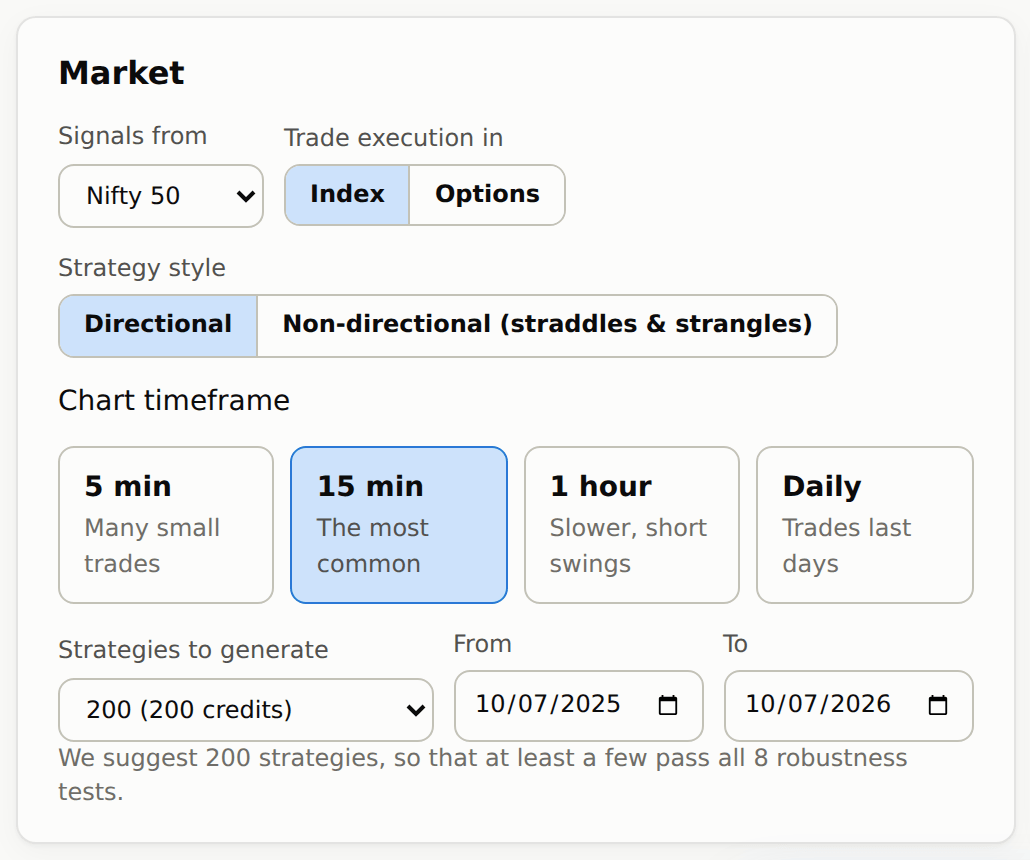
Tell the AI the market: index, timeframe and strategy type
#Signals from — NIFTY 50, Nifty Bank (BANK NIFTY) or Sensex.
Strategy style — Directional (this form: strategies that go long or short) or Non-directional (straddles & strangles), which opens its own form — see Straddles and strangles with AI.
Chart timeframe — the candle size the rules are read on: 5 min, 15 min, 1 hour or Daily. Shorter candles give more, smaller trades; daily candles give fewer trades that last days. When you pick Nifty Bank, the chart switches to 1 hour by itself, because that is where BANK NIFTY strategies have held up best.
Strategies to generate — 25, 50, 100 or 200 (the default); each choice shows its credits, for example 200 (200 credits). We suggest 200, so that at least a few pass all 8 robustness tests. A search uses 1 credit per strategy it generates.
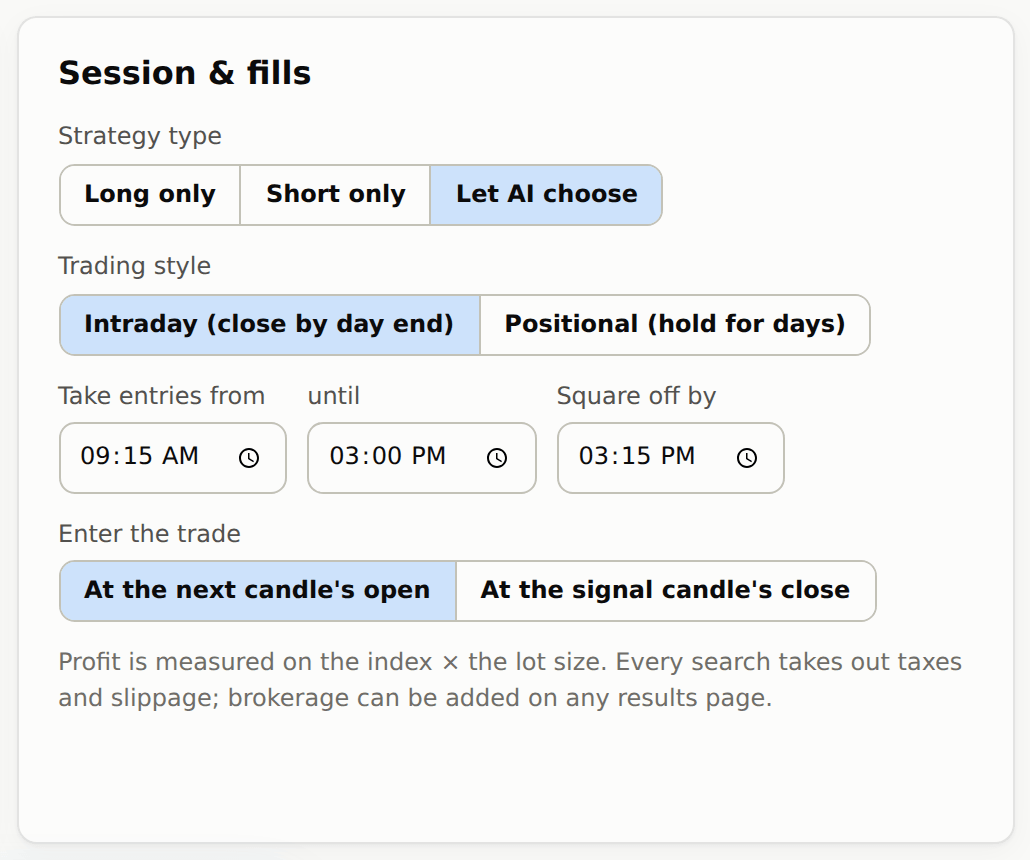
Strategy type (in the Session & fills card) — which way the signals point (long = profit when the index rises, short = profit when it falls):
- Long only — strategies that only go long (profit when the index rises).
- Short only — strategies that only go short (profit when the index falls).
- Let AI choose — the search looks for long-only and short-only strategies, and for Long + Short ones: one set of rules used both ways, long on the rules and short on their mirror (for example, “RSI below 30 → long” becomes “RSI above 70 → short”; if the opposite signal comes while you are in a trade, the trade is closed and the other side is taken). Each strategy in the results says which kind it is. This is the default.
How the AI trades: Index or Options?
#The signals always come from the index chart. Trade execution in decides what each trade is placed in.
Index (the default) measures every trade on the index points × the lot size.
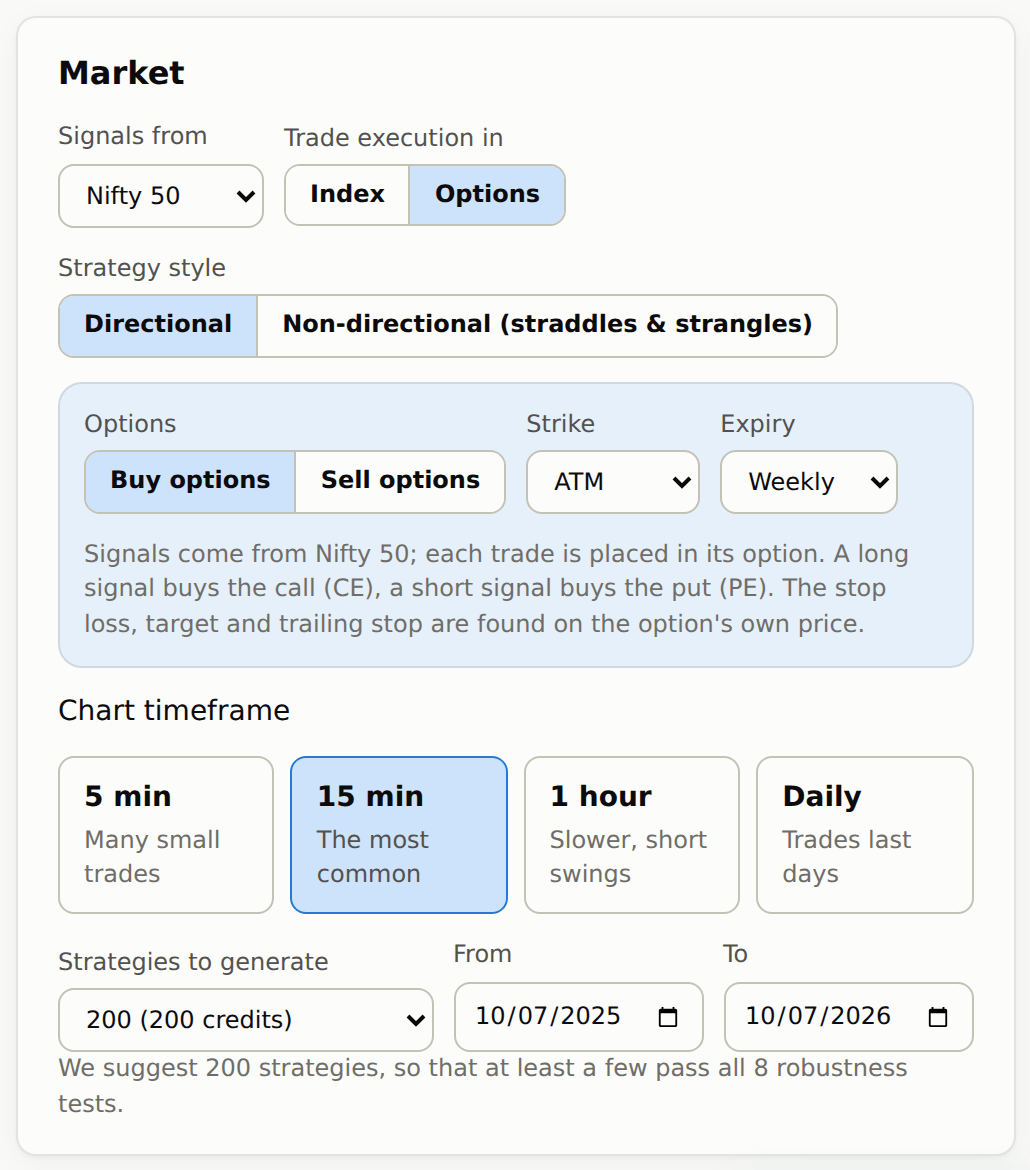
Options places every trade in an option of that index and measures it on the option's real minute-by-minute prices. Three choices appear:
- Buy options or Sell options. Buying: a long signal buys the call (CE) and a short signal buys the put (PE). Selling: a long signal sells the put (PE) and a short signal sells the call (CE). Either way, the trade makes money when the index moves the way the signal says.
- Strike — ATM, or 1 to 10 strikes in the money (ITM) or out of the money (OTM). The strike is fixed when the trade starts. Example: NIFTY at 24,620 with ATM chosen buys the 24,600 call.
- Expiry — Weekly or Monthly for NIFTY; Nifty Bank has monthly options only and Sensex weekly only. A trade still open on its option's expiry day is closed before the market closes.
- The search finds the stop loss, target, trailing stop and trail-to-cost on the option's own price, as a % of the premium or as a multiple of the option's own ATR. When an option exit closes a trade, the next signal can open a new one straight away.
- Profit is the option's price move × the lot size, after option taxes and slippage. A signal whose option had no price at that minute is skipped, and the strategy page says how many were.
The dates the AI learns from
#The dates are filled in with the last year of data, which we recommend. You can change them; data starts in January 2023.
The most recent part of whatever dates you choose is kept hidden while the search runs, and used only to check the strategies afterwards. That is the “unseen data” you will see mentioned everywhere.
The session and fills the AI follows
#Trading style — Intraday (close by day end) closes every trade the same day; Positional (hold for days) lets a trade stay open for several days, until one of its exits closes it. On the daily chart the two choices read Hold across days and Exit at the day's close.
Take entries from … until … — new trades only start inside this window. Example: 09:15 to 15:00 means no new trade after 3 pm.
Square off by — intraday only. Any trade still open is closed at this time. Example: 15:15.
Enter the trade — At the next candle's open (the default, and the more realistic one: the rule is seen at the close of a candle and you enter at the start of the next) or At the signal candle's close.
Costs inside every AI search
#Every search already takes out taxes & charges and slippage, because those cannot be avoided in real trading. Brokerage is not taken out during the search, because it differs from client to client (₹5 or ₹20 an order). You can add brokerage on any results page.
Find strategies: start the AI
#Under the button you see what the search costs: how many strategies it will generate and how many credits it will use — one credit per strategy, 200 at most; if your balance is lower, the search generates as many as your credits cover (at least 10).
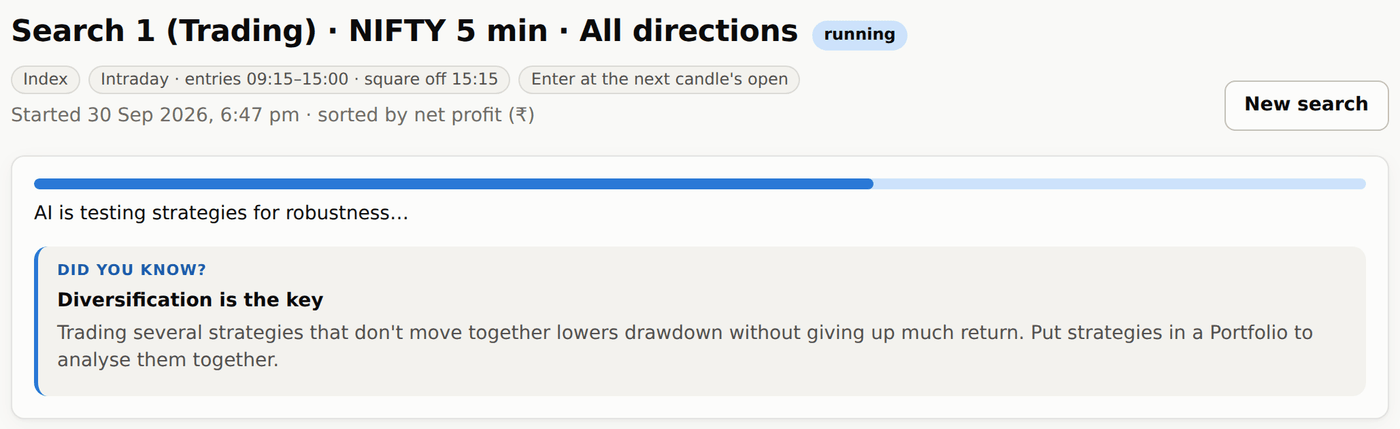
While it runs, the bar reads AI is generating strategies…, then AI is testing strategies for robustness…. You can run two searches at the same time.
If the AI's results look wrong
#- The button says Buy credits — your balance is below 10 credits. Buy credits from the Credits page.
- Few strategies in green — normal for some index/timeframe/date combinations. Try another timeframe, or a longer date range.
- Everything is greyed out — you are not logged in; visitors can run a search but cannot change the dates or session.