AI Strategy Finder
Credits and code for AI strategies
What the AI costs, how to get an AI strategy's code, your account, and how to reach us.
Credits for the AI
#- One credit generates one strategy. A search that generates 200 strategies uses 200 credits — whether they pass the tests or not.
- Credits are held when a search starts and settled when it ends: if it generates fewer strategies, the rest come back automatically. A search stopped by a restart gives everything back.
- Running a strategy again costs credits too: Apply and re-test or Update to the latest data 1 credit, Run robustness tests 1 credit, a portfolio Run 1 credit per ticked strategy, Run all on the latest data 1 credit per strategy. Changing the cost ticks, capital or lots is free. My alerts costs 499 credits a month for up to 100 alerts. The same credits pay for searches, strategies and alerts.
- New accounts get 1,000 free credits (worth ₹1,000) once they confirm their email (the link comes in the welcome email). The free credits are once per person: a new account made on a device that already had another account gets none (a note at the top of the page says so; contact support if you think this is wrong).
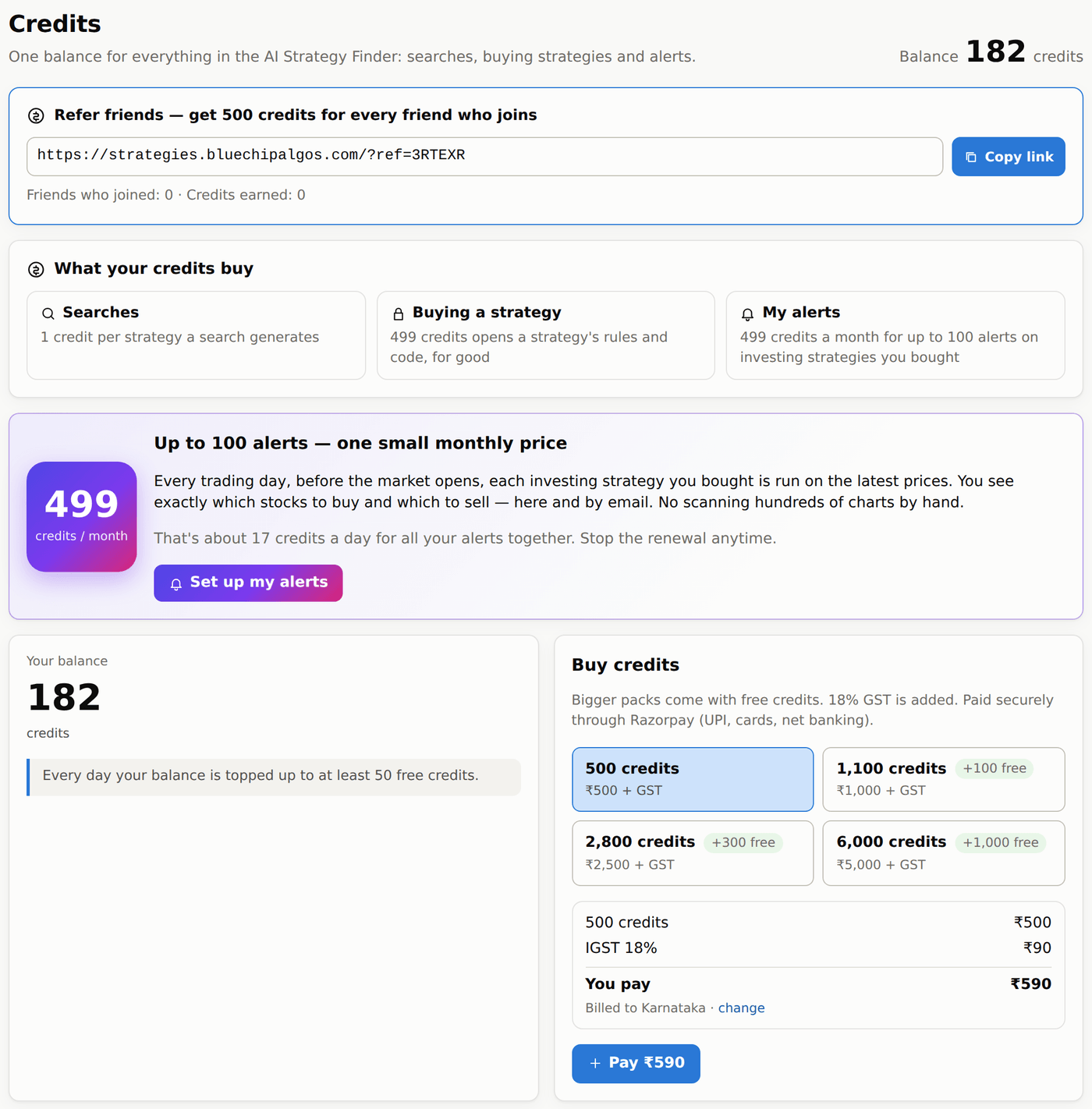
- Refer friends (top of the Credits page): copy your link and share it. You get 500 credits for every new account opened through it, once your friend confirms their email; your friend still gets their own 1,000 free credits.
- Every day your balance is topped up to at least 50 free credits — whether you bought credits or not. The free credits don't add up from day to day: a balance below 50 is brought back to 50 (20 left → 30 added), and a balance of 50 or more gets nothing. The Credits page lists each top-up as Free daily top-up.
- Packs come with free credits: ₹500 = 500 credits, ₹1,000 = 1,100, ₹2,500 = 2,800, ₹5,000 = 6,000. 18% GST is added on top (₹1,000 + ₹180). For Telangana the GST is CGST 9% + SGST 9%, for other states IGST 18%. The first time, the page asks for your billing address and state — they go on the invoice. Pay through Razorpay (UPI, cards, net banking). Payments lists what you paid, with an Invoice button for the GST tax invoice (PDF); Credit history lists every change to your balance.
Buying an AI strategy
#Every search shows every number, chart and robustness test of every strategy — but the entry and exit rules stay hidden (blurred) until you buy the strategy. See how it did first; buy only the ones you love.
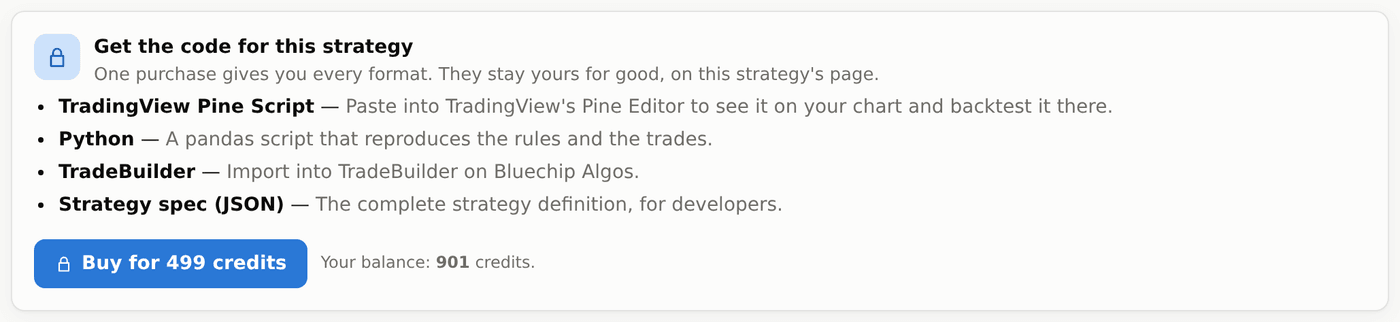
- Buy costs 499 credits and opens the rules and the code in all four formats, for good.
- Before buying you can Save a strategy, update it to the latest data and run its robustness tests (these cost credits as above).
- Editing it, the Signal breakdown, Parameters and Options tabs, portfolios and the Daily position report open after buying, because they show or use the rules.
An AI strategy's code
#Open a strategy and go to its Code tab (or press Code on its row). Once you buy a strategy its code is there, in all four formats: TradingView Pine (paste into Pine Editor), Python, TradeBuilder (import on Bluechip Algos) and JSON (the full definition, for developers). Copy it or download it.
The code opens together with the rules when you buy the strategy (499 credits). Results only match across platforms when the data, session times and costs are the same.
My account
#Click your name in the left menu to change your name, mobile number, billing address and state (they go on your GST invoices), or your password. Your name, mobile and password are your Bluechip Algos account's — they change in Trade Apps too. Changing the password logs out your other devices. Forgot it? Forgot password sends an email from Bluechip Algos with a link to choose a new one.
Contact us
#Contact us in the left menu has our WhatsApp, +91 93988 40360, and our email, [email protected] — the Bluechip Algos team answers both. A click opens a WhatsApp chat or your email app. If your question is about one strategy, mention its 10-digit ID.